
Skip to content

SEO vs. Instant Traffic: Understanding the Differences and Benefits

Eggflow App Support
2 2 947 1
  • In the ever-evolving world of digital marketing, businesses are constantly seeking ways to drive traffic to their websites. Two popular strategies that often come up in discussions are Search Engine Optimization (SEO) and Instant Traffic techniques. But what are the differences between these two, and which one should you invest in? In this article, we'll delve deep into both strategies, comparing their benefits and helping you make an informed decision.
    What is SEO?
    Search Engine Optimization, commonly referred to as SEO, is the practice of optimizing a website to rank higher on search engine results pages (SERPs). The primary goal is to increase organic (non-paid) traffic over time. SEO involves various techniques, including keyword research, on-page optimization, link building, and content creation.
    Benefits of SEO:
    Sustainable Traffic: Once your website ranks high on SERPs, it can maintain its position for a long time, ensuring a steady flow of organic traffic.
    Cost-Effective: While SEO requires an initial investment, it can be more cost-effective in the long run compared to paid advertising.
    Builds Credibility: Websites that rank high on search engines are often perceived as more credible and authoritative in their industry.

    Concept illustration: organic search and paid traffic channels
    For those interested in boosting their website's SEO, the Boost SEO App on Shopify offers a range of tools to optimize images and improve site rankings.
    What is Instant Traffic?
    Instant Traffic techniques aim to drive a surge of visitors to a website immediately. This can be achieved through methods like Pay-Per-Click (PPC) advertising, display ads, social media promotions, or even specialized tools like the Instant Traffic App on Shopify App Store.
    Benefits of Instant Traffic:
    Immediate Results: As the name suggests, Instant Traffic strategies can boost website visits almost instantly.
    Targeted Traffic: With platforms like PPC, you can target specific demographics, ensuring that the traffic is relevant to your offerings.
    Flexibility: Instant Traffic campaigns can be adjusted in real-time based on performance metrics.
    SEO vs. Instant Traffic: The Comparative Analysis
    Time Frame: SEO is a long-term strategy. It can take months or even years to see significant results. On the other hand, Instant Traffic techniques can yield immediate results, making them ideal for short-term campaigns or promotions.
    Investment: While SEO might require a more substantial initial investment in terms of time and resources, its long-term benefits often outweigh the costs. Instant Traffic techniques, especially paid ones, can become expensive if used continuously.
    Reliability: SEO, being organic, is less susceptible to sudden changes. However, with algorithm updates from search engines, rankings can fluctuate. Instant Traffic, especially if it's paid, is more predictable but can stop the moment funding ceases.
    Audience Engagement: Visitors from SEO often have a higher engagement rate as they are actively searching for relevant content or services. Instant Traffic might bring in a large volume of visitors, but not all might be genuinely interested.
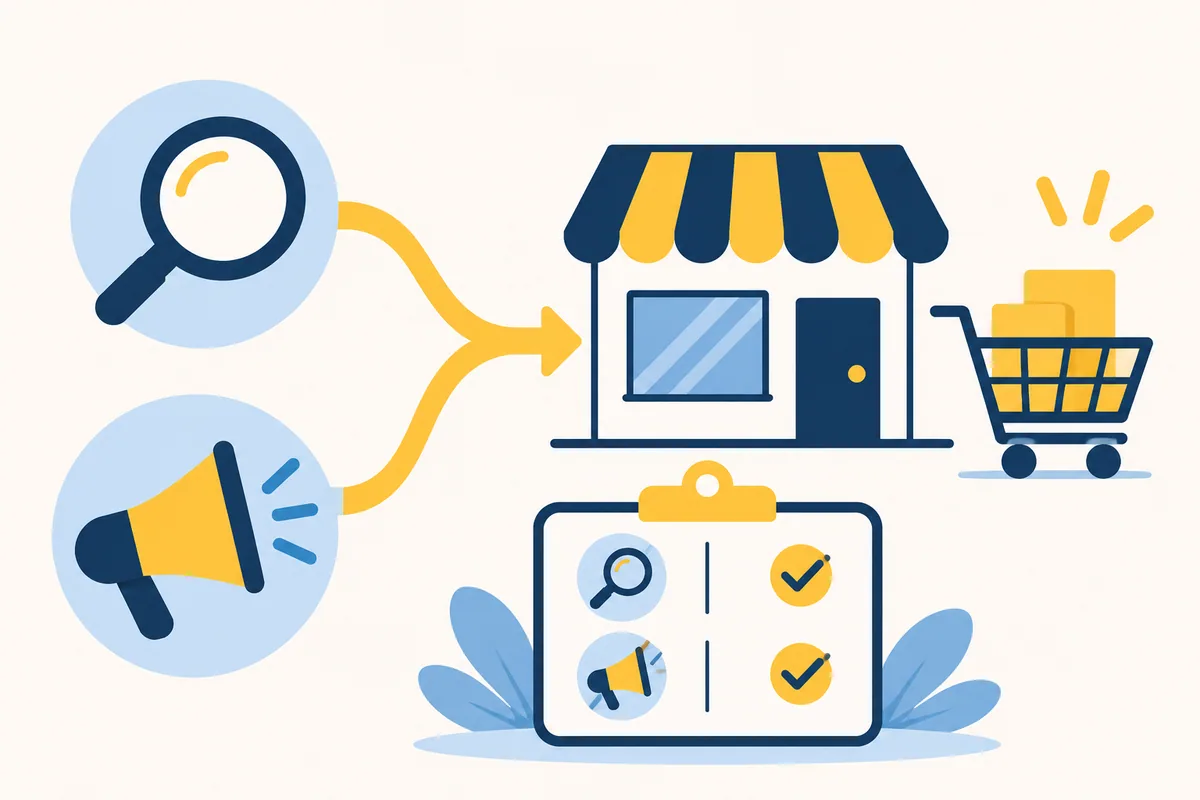
    Concept illustration: evaluating acquisition channels and orders
    Both Boost SEO and Instant Traffic have their unique benefits, and the choice between them often depends on a business's goals. If you're looking for long-term, sustainable growth, investing in SEO might be the way to go. However, if you need immediate results, perhaps for a product launch or a limited-time offer, Instant Traffic techniques can be invaluable.
    For businesses on Shopify, tools like the Boost SEO App and the Instant Traffic App can be instrumental in implementing these strategies effectively.
    Remember, in the dynamic world of digital marketing, flexibility is key. It's often beneficial to integrate both SEO and Instant Traffic strategies to create a holistic approach to online visibility.

    Image note (2 November 2026): missing images in this post have been replaced with newly created conceptual illustrations. They are not original app screenshots, app logos, or current pricing information.

  • good point

  • The Power of Digital Marketing in the Modern Era

    Eggflow App Support
    1
    0 Votes
    1 Posts
    46 Views
    No one has replied
  • 0 Votes
    1 Posts
    35 Views
    No one has replied
  • 0 Votes
    2 Posts
    100 Views
    N
    Start with one business problem rather than installing the whole app collection. Are you trying to attract visitors, explain your products better, build trust or reduce a specific storefront problem? Choose the app that addresses that problem and check its current Shopify listing for compatibility, permissions, price and support details. Install it while signed into the correct Shopify store, then complete the app's onboarding. If it uses an app embed or app block, activate it in the appropriate theme and save the change. Installing an app alone does not always make its storefront feature visible. Preview the result on desktop and mobile, including product variants, cart controls and any existing popups. Record a baseline and choose one success measure, such as relevant visits, add-to-cart rate or fewer support questions. For example, Eggflow Instant Traffic is a separate product-discovery tool based on partner-store exposure; it is not a replacement for conversion work or an SEO strategy. Which outcome matters most for your business right now?
  • 0 Votes
    2 Posts
    158 Views
    N
    A useful setup checklist is to check visibility, scope and conflicts separately. If nothing appears, confirm that onboarding is complete, the feature is enabled and the correct live theme has the required app embed or block. Also check the app's page, device and audience rules. If it appears only on some pages, compare the templates and product eligibility. Test in a private window so an earlier dismissal or frequency cap does not confuse the result. If styling or mobile controls break, test overlapping widgets individually and compare against an unchanged theme copy. Avoid pasting random fixes into the live theme before identifying the cause. If the app dashboard will not load, capture the exact error and check browser privacy or extension interference without broadly disabling security settings. For support, provide the app name, theme/version, page path, steps to reproduce and a screenshot with customer information hidden. There is no need to share your Shopify password or API credentials. What symptom are you seeing?
  • 0 Votes
    2 Posts
    134 Views
    N
    Use Instant Traffic as a product-discovery channel, then measure whether those visits are useful for your store. It exchanges product exposure between participating stores; it does not guarantee sales or improve organic rankings by itself. Start with a small set of in-stock products that have clear photos, competitive offers and complete product pages. Check that the recommendations display correctly on your live storefront and on mobile. Where your plan supports targeting, focus on countries you can ship to and relevant audiences. Avoid restricting the audience so much that exposure disappears. Compare impressions, visitors and click-through rate in the app with landing-page engagement, add-to-cart activity and orders in Shopify. The reporting definitions and attribution can differ. If impressions are low, check product eligibility and targeting first. If clicks arrive but shoppers leave, improve the offer, delivery information and landing page before trying to increase traffic. Which part is currently the bottleneck for you: impressions, clicks, or purchases?
  • 0 Votes
    2 Posts
    186 Views
    N
    First separate a mobile display setting from a loading failure. Open the exact same product or page on desktop and a real phone, using a private browser window. Check whether the feature is absent everywhere or only on one template. In the app, review device targeting, display rules, page exclusions and any dismissal or frequency limit. A previously dismissed popup can make testing misleading. If the integration uses an app embed or app block, confirm it is enabled in the theme that is actually published. A setting in a draft theme will not update the live store. Use the theme editor's mobile preview to look for overlapping sticky bars, cookie banners or elements hidden by responsive styles. Test other storefront overlays one at a time in a theme copy. Remember that app-level settings can still affect the live store. If it still fails, share the app name, theme name/version, affected page path, phone/browser and a screenshot without customer data. Please do not post passwords or access tokens.
  • 0 Votes
    2 Posts
    157 Views
    N
    Start conservatively and treat the timings as a test, rather than a universal setting. If your Sales Pop version exposes these controls, try a 10–15 second delay before the first notification, a 30–60 second gap, a display duration around 4–6 seconds, and a low per-session cap. These are suggested starting points, not claimed app defaults. Use genuine activity only, keep personal details minimized, and avoid wording that invents purchases or scarcity. On mobile, position the notification so it cannot cover Add to cart, navigation, consent controls or chat. Consider excluding high-intent steps if the app supports page exclusions. Change one setting at a time. Compare add-to-cart rate, completed orders, dismissals and mobile usability with a baseline; popup clicks alone do not show that the feature helped. With little traffic, collect enough observations before drawing a conclusion. Which timing and frequency controls are available in your current dashboard? A screenshot with customer details hidden would help tailor the setup.
  • 0 Votes
    2 Posts
    212 Views
    N
    I would separate actual customer feedback from hypotheses before claiming that an app solved a problem. We should not invent customer quotes or conversion improvements without the underlying records. Useful categories to investigate are shoppers missing important delivery information, distrust caused by unclear policies, intrusive mobile popups, inconsistent product details and slow pages. An app may help with part of the experience, but the right fix can also be a clearer product page or a simpler theme. A practical feedback log has four fields: the customer's issue, the affected page/device, the change made and the evidence afterward. For a notification tool, that might mean checking whether useful information remains visible without obstructing shopping. For SEO tooling, validate the actual metadata or structured output and follow search performance over time. If you share an anonymized example of feedback and the app involved, we can map it to a specific change and a measurable outcome.